 WhoCaller
Scam Shield
How do I check if a UPI QR code is safe?
Open More › Scam Shield › Check a UPI QR code and scan it. WhoCaller tells you if the QR will take money from you instead of paying you.
Where to find it
More›Scam Shield›Check a UPI QR code
Steps
- Tap More, then Check a UPI QR code.
- Point the camera at the QR code.
- Read the result before you pay. If it says the QR will SEND your money, don’t pay.
← How do I get warned when my screen is shared during a call?How do I alert my family if a scammer calls me? →
Scam Shield
More guides like this
 0:26
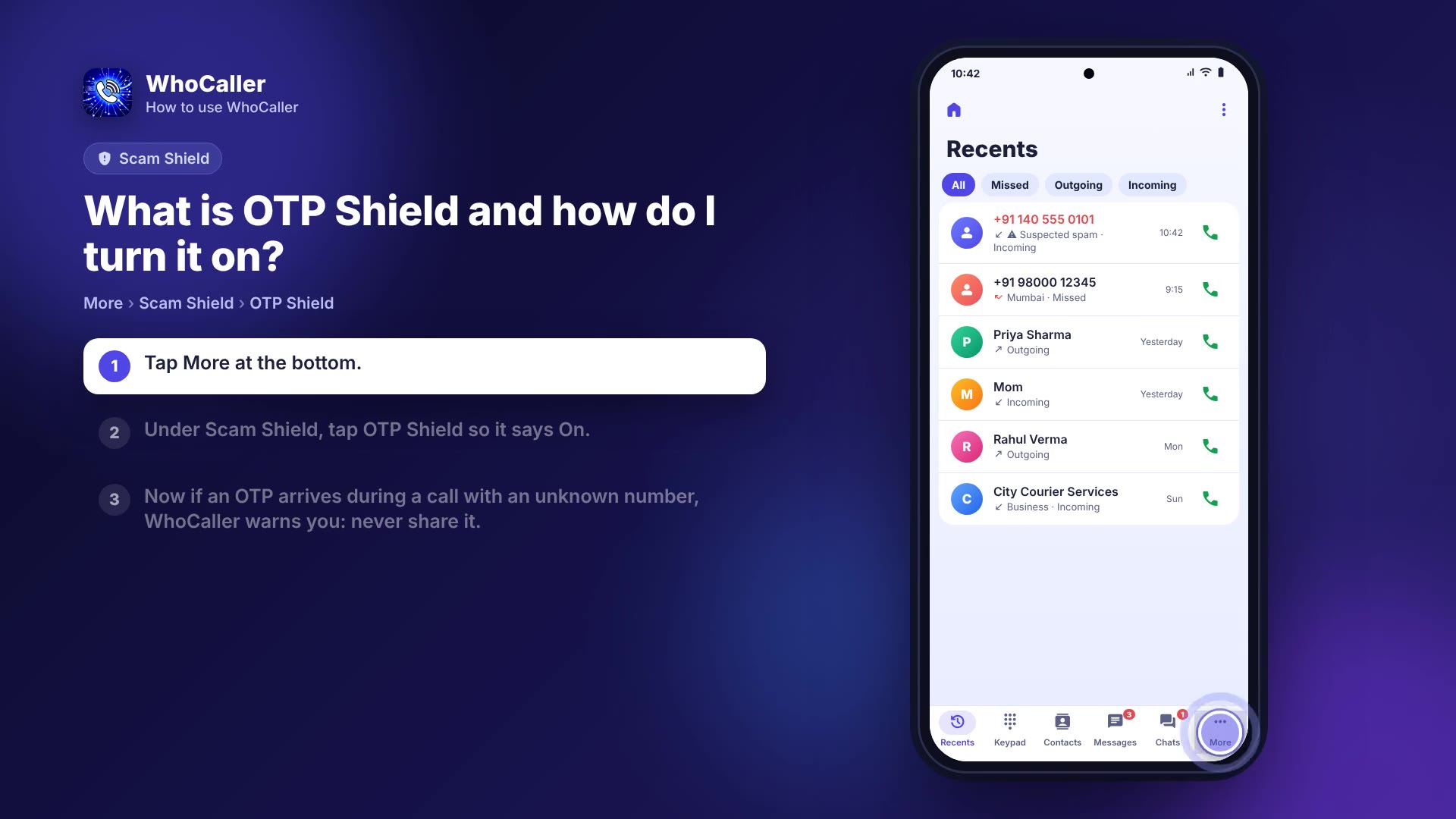
What is OTP Shield and how do I turn it on?
OTP Shield warns you if an OTP arrives while you’re on a call with an unknown number, because scammers ask for it. Turn it on in More › Scam Shield › OTP Shield.
See the steps →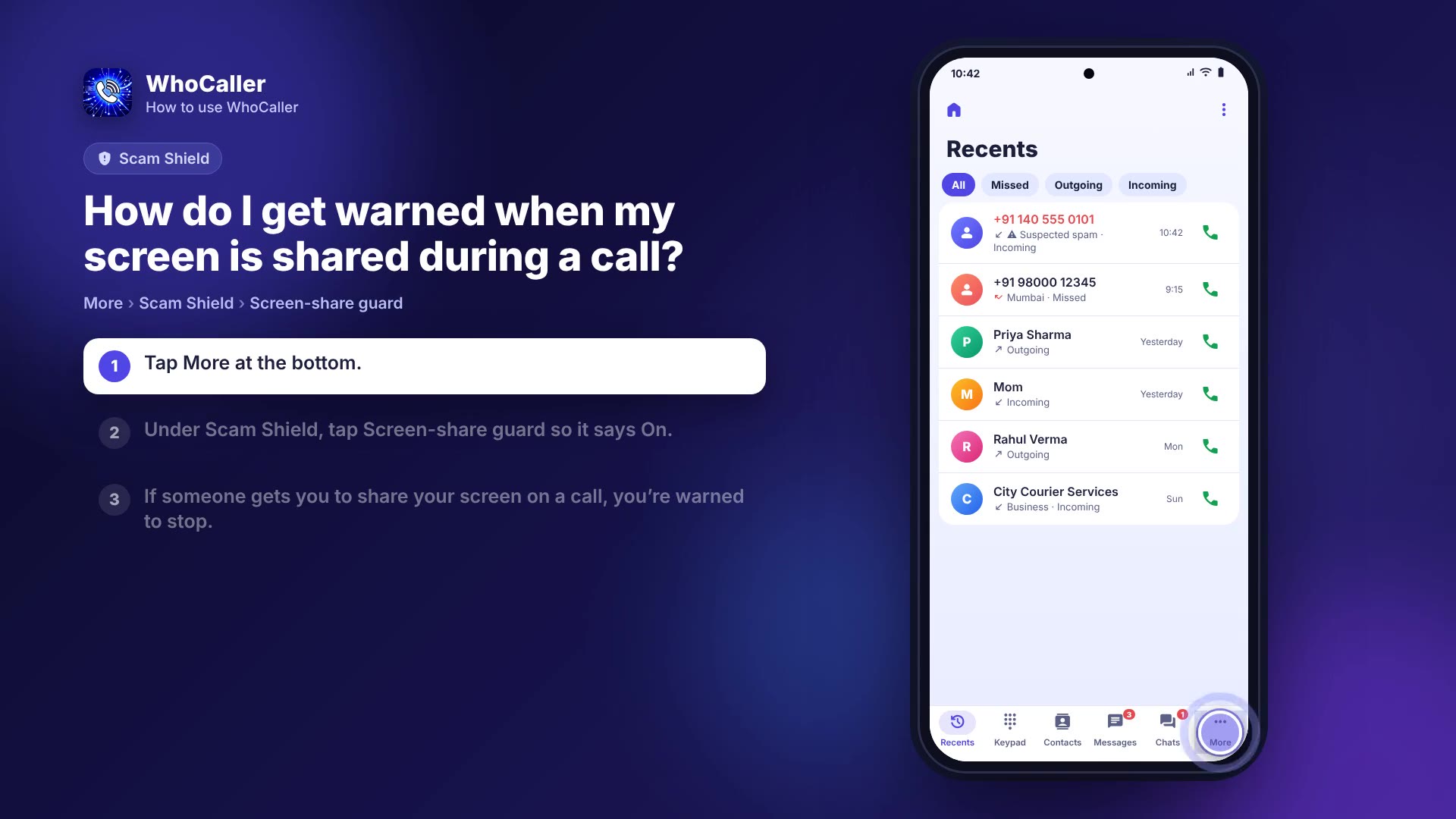 0:25
How do I get warned when my screen is shared during a call?
Turn on More › Scam Shield › Screen-share guard. WhoCaller warns you if your screen is being shared during a call, a common bank-fraud trick.
See the steps →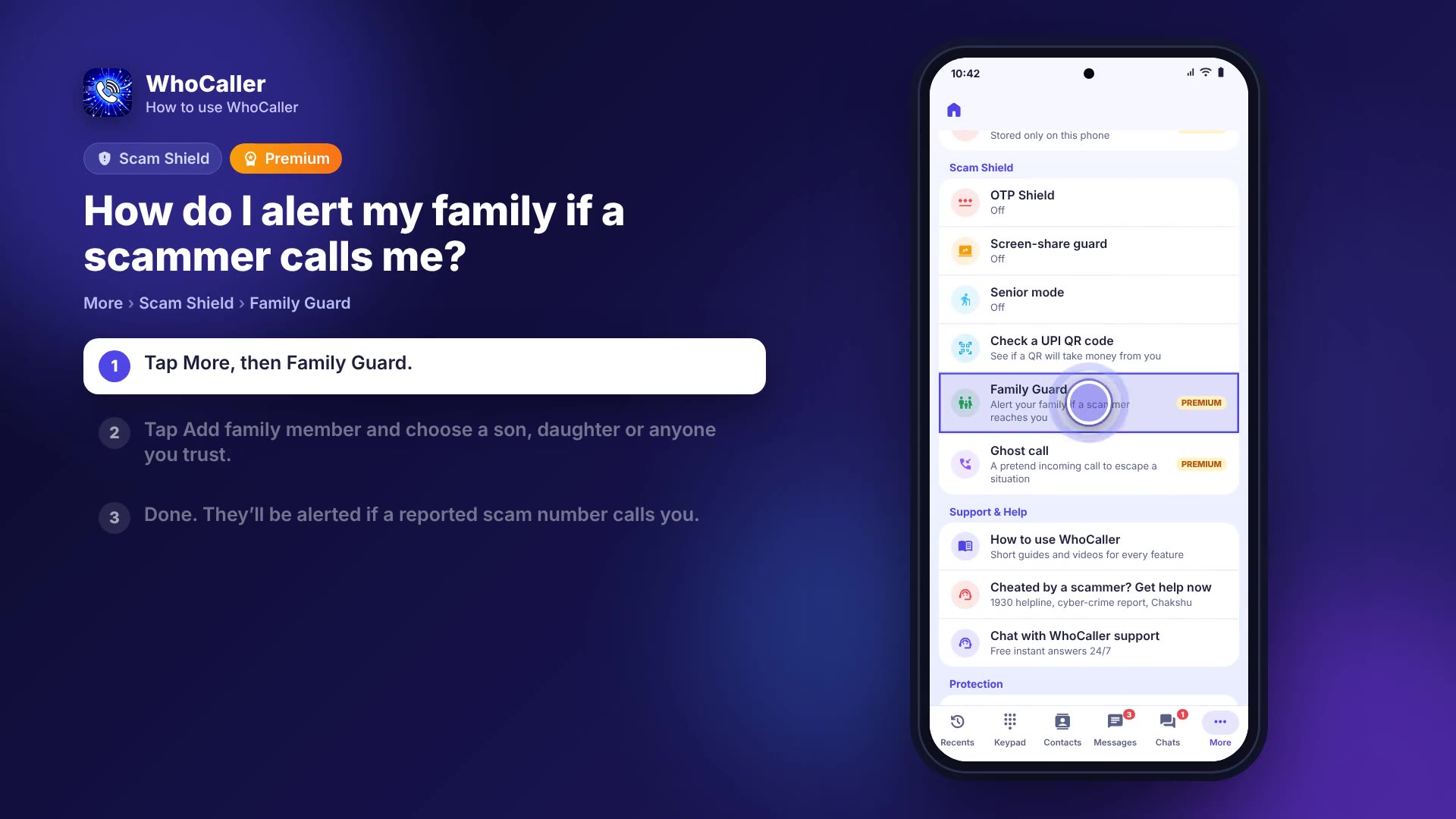 0:25
How do I alert my family if a scammer calls me? Premium
Open More › Scam Shield › Family Guard (Premium) and add up to 5 family members. They get an alert when a reported scam number calls this phone.
See the steps →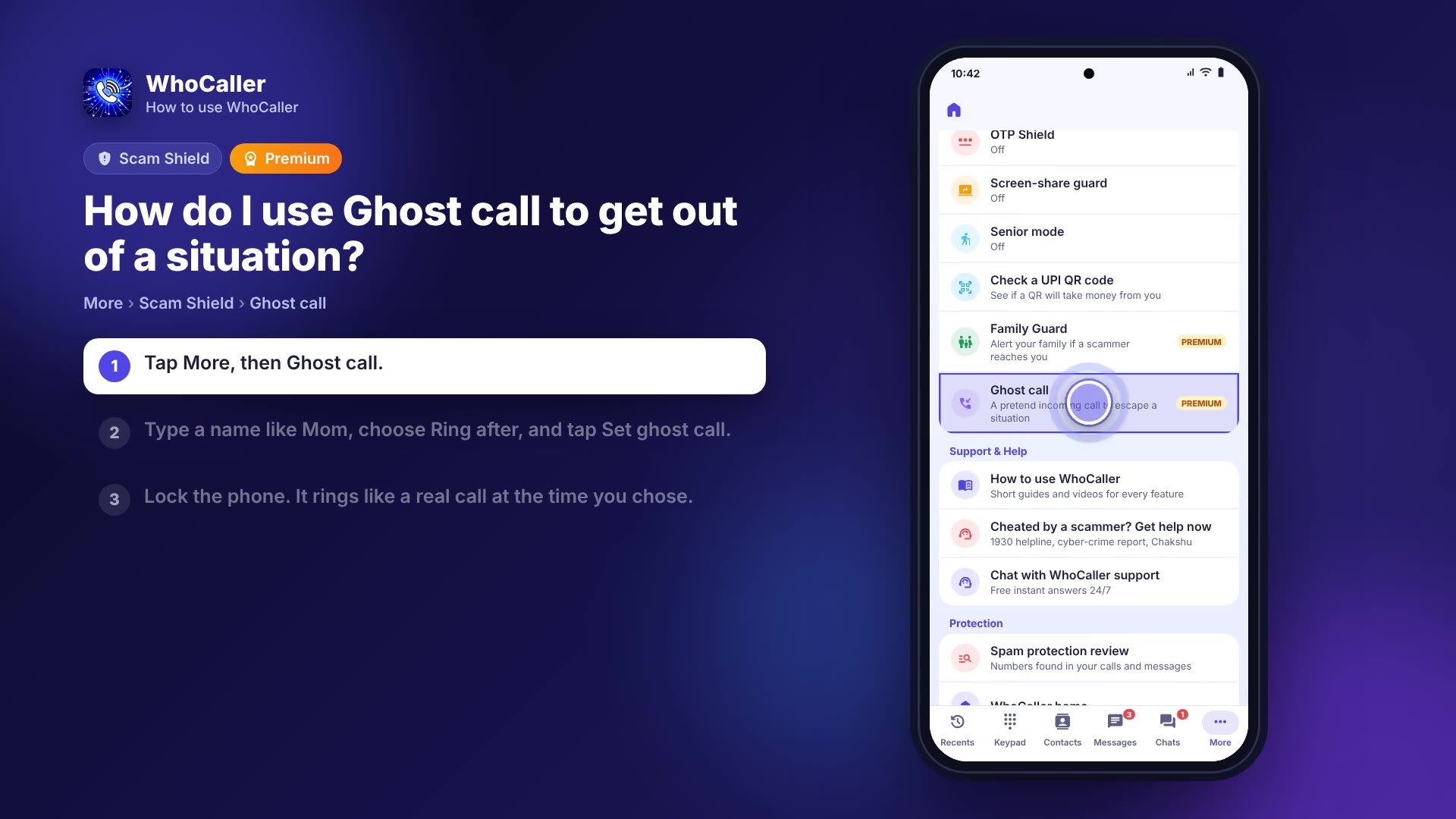 0:25
How do I use Ghost call to get out of a situation? Premium
Open More › Scam Shield › Ghost call (Premium), type a caller name, choose when it should ring and tap Set ghost call. Nothing is dialled.
See the steps →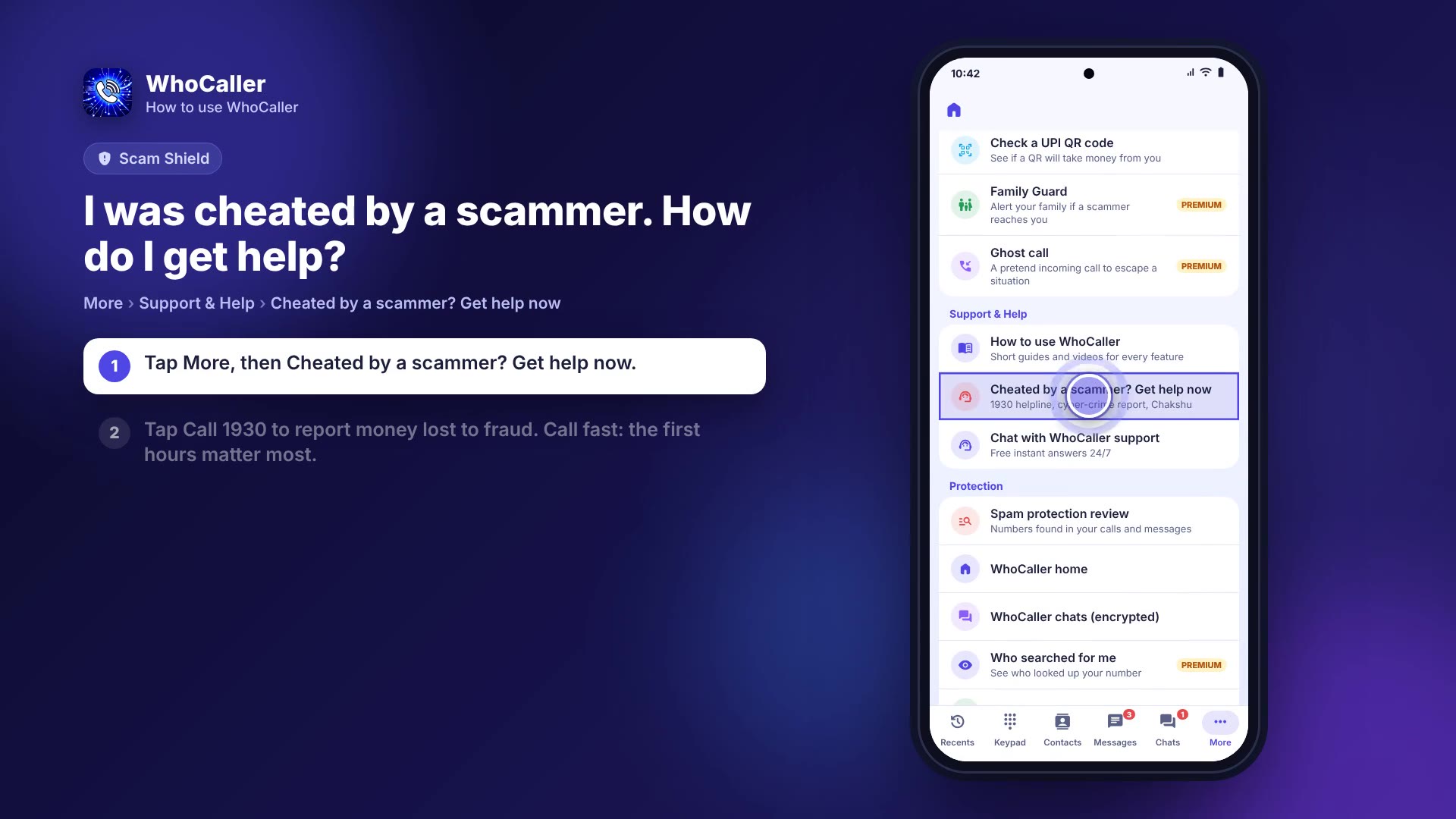 0:20
I was cheated by a scammer. How do I get help?
Open More › Support & Help › Cheated by a scammer? Get help now. Call the 1930 cyber-fraud helpline or report it online straight away.
See the steps →Get WhoCaller free
Free on Google Play. Android 8.0 or newer.