 WhoCaller
Premium, privacy & help
How do I delete my account or clear my data?
Open More › Privacy. Use Delete Search History or Clear Local Data for this phone, Export My Data for a copy, and Delete Account to remove your account (done within 7 days).
Where to find it
More›App›Privacy
Steps
- Tap More, then Privacy under App.
- Under Your data, choose Delete Search History, Clear Local Data or Export My Data.
- To remove your account, tap Delete Account, pick a reason and send the request.
Premium, privacy & help
More guides like this
 0:26
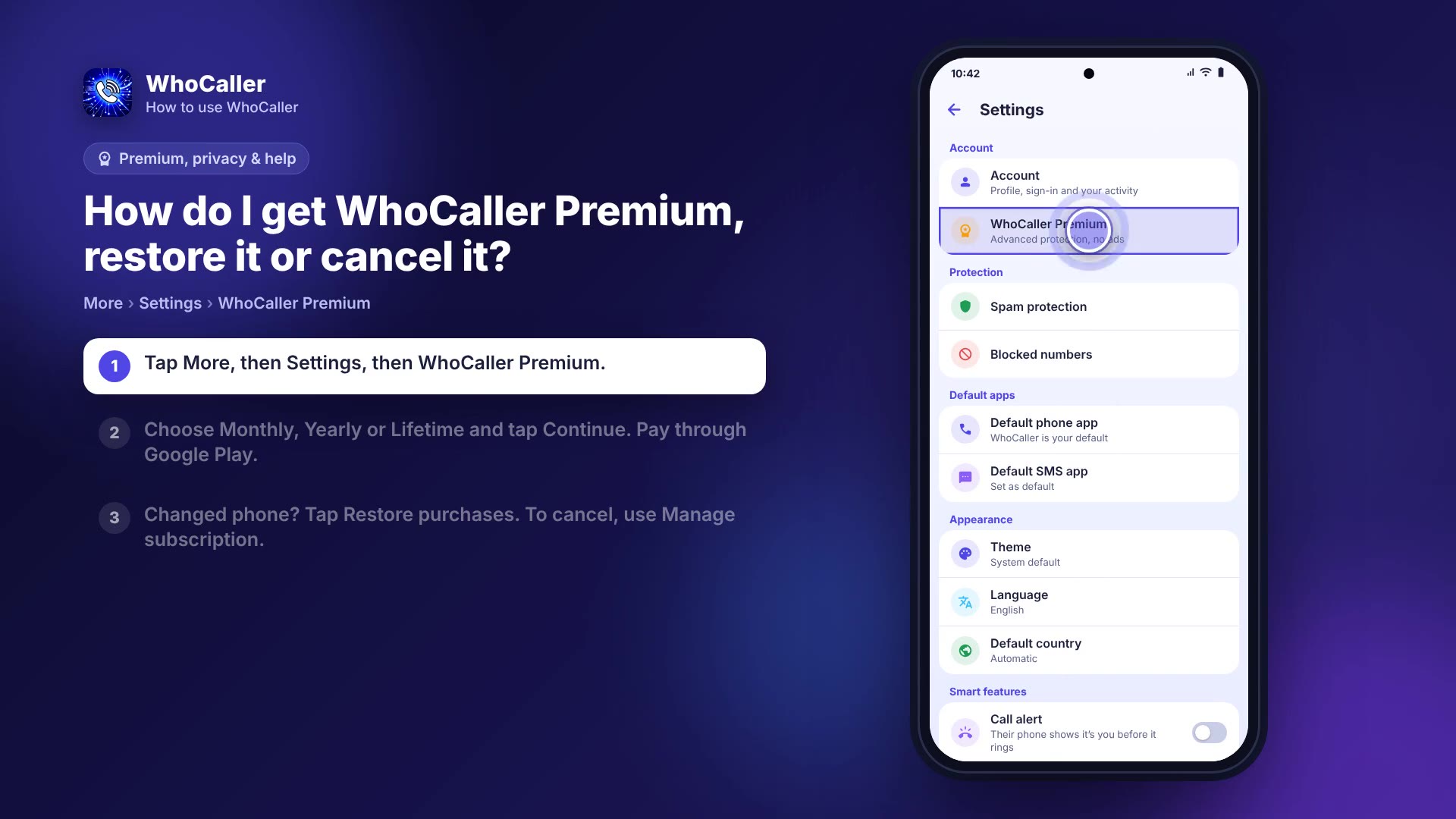
How do I get WhoCaller Premium, restore it or cancel it?
Open More › Settings › WhoCaller Premium and pick Monthly, Yearly or Lifetime. Tap Restore purchases on a new phone. Cancel anytime in Google Play › Subscriptions.
See the steps →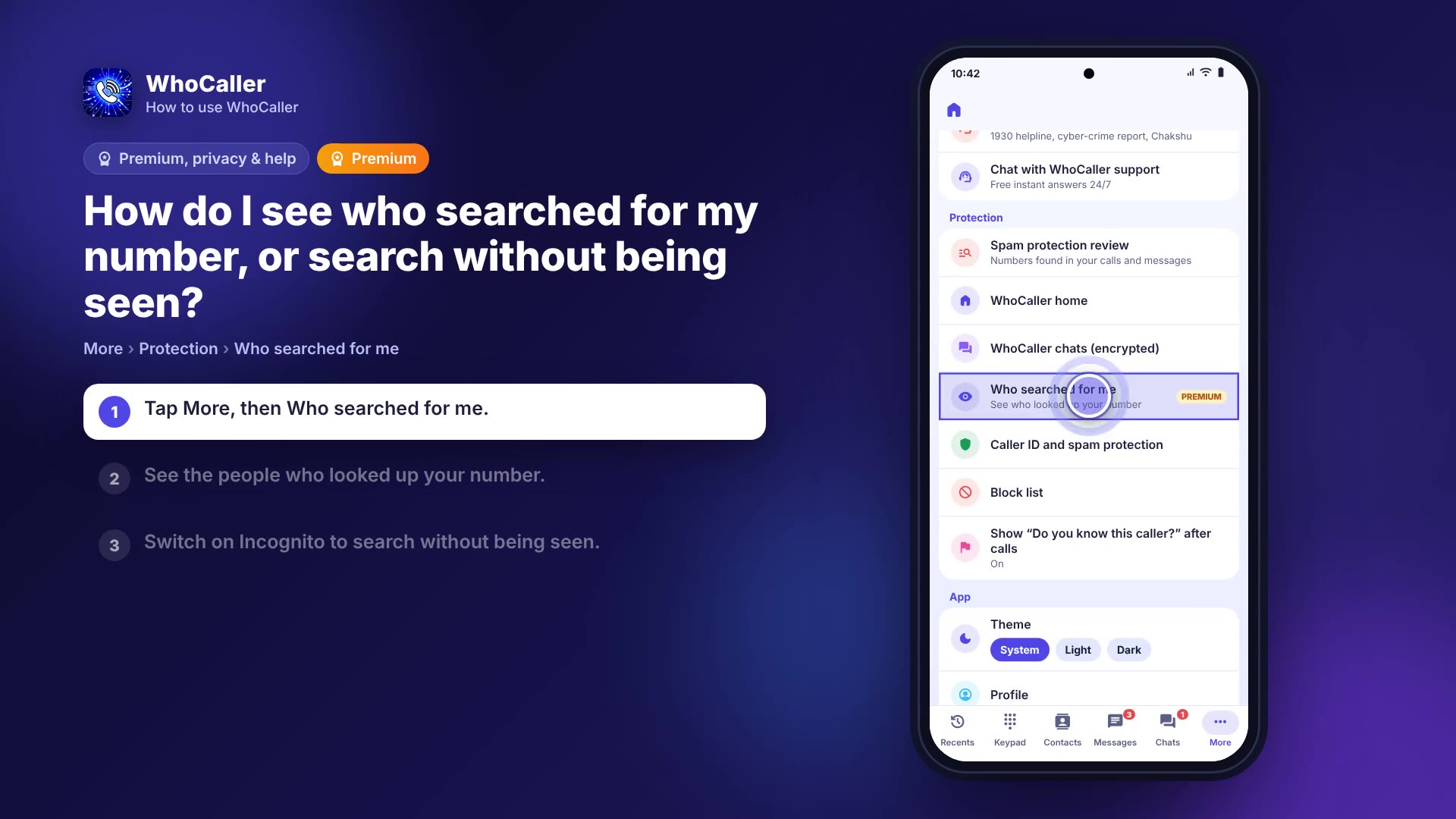 0:23
How do I see who searched for my number, or search without being seen? Premium
Open More › Who searched for me (Premium). Switch on Incognito there to look up numbers without appearing in other people’s list.
See the steps →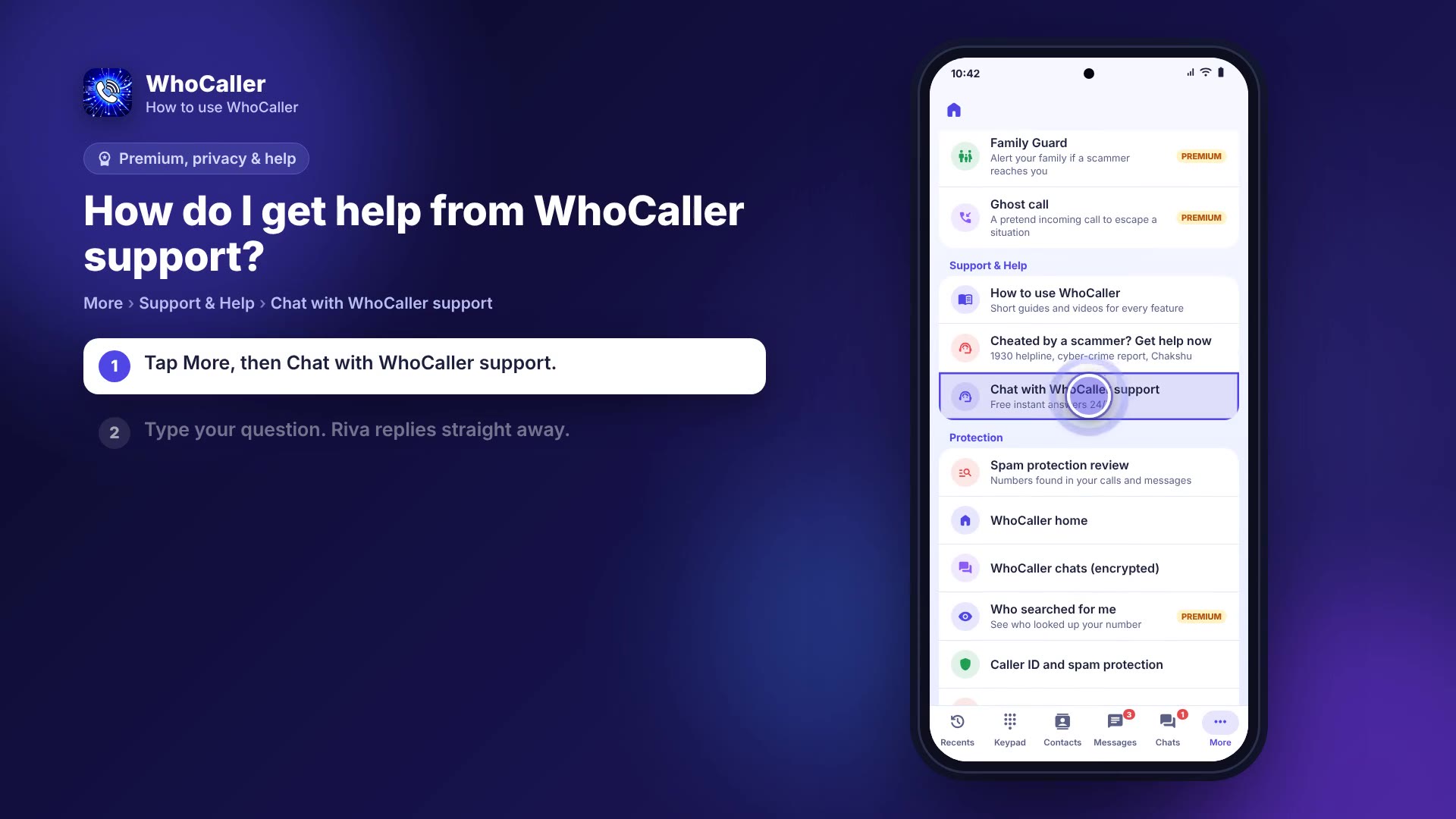 0:19
How do I get help from WhoCaller support?
Open More › Chat with WhoCaller support. Riva, the assistant, answers instantly 24/7. Premium users can also chat with a person.
See the steps →Get WhoCaller free
Free on Google Play. Android 8.0 or newer.