 WhoCaller
Calls & dialer
How do I set up speed dial?
On the Keypad, long-press a number from 2 to 9 and choose a contact. Next time, long-press that number to call them.
Where to find it
Keypad›Long-press 2–9
Steps
- On the Keypad, press and hold a number from 2 to 9.
- Tap Choose contact and pick the person.
- To see or remove speed dials, tap ⋮ on the Keypad, then Speed dial.
← How do I find a contact quickly on the keypad?How do I choose which SIM to call from? →
Calls & dialer
More guides like this
 0:24
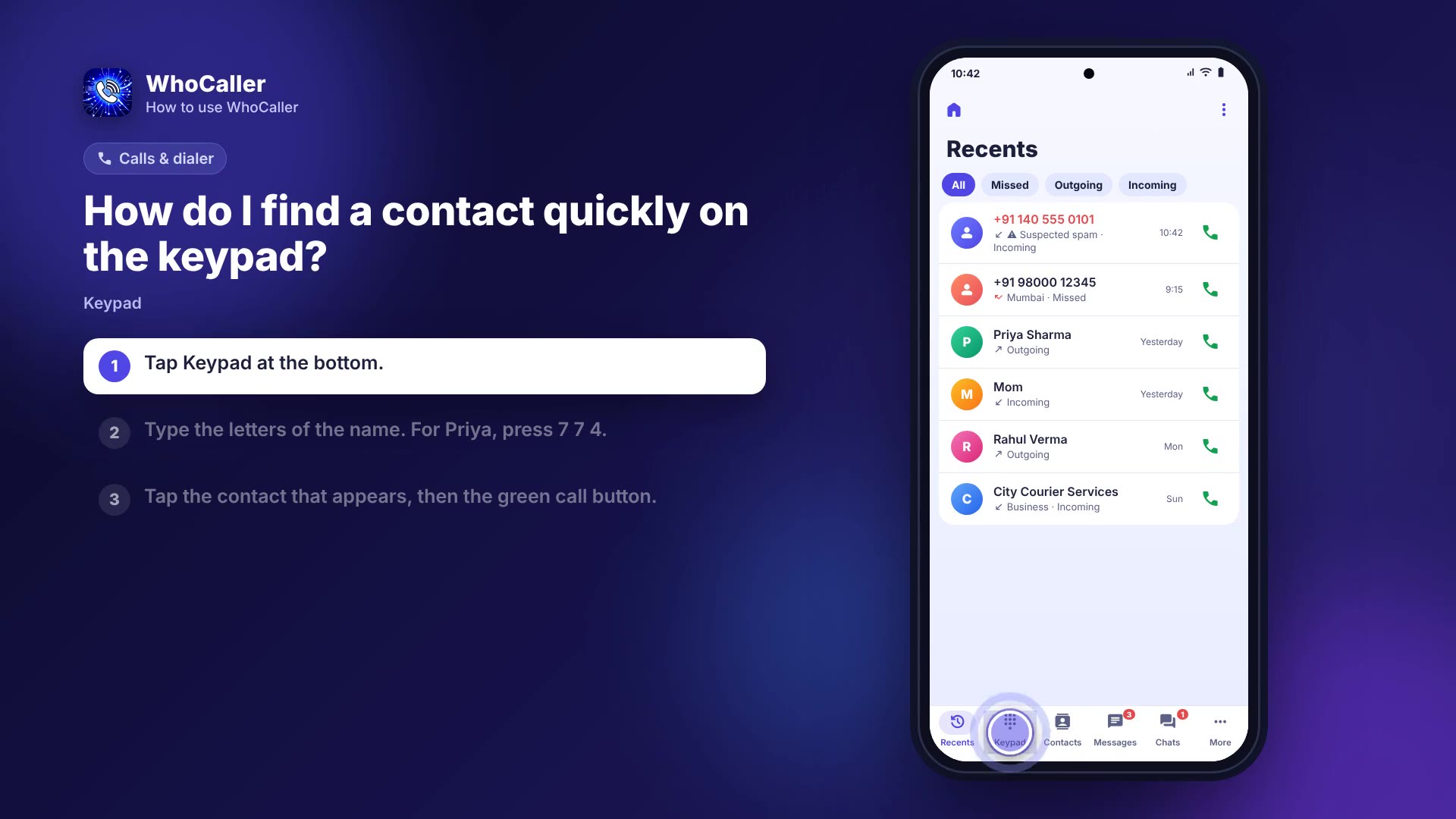
How do I find a contact quickly on the keypad?
On the Keypad, type the letters of a name (2 = ABC) or any part of the number. Matching contacts appear at the top; tap one to call.
See the steps →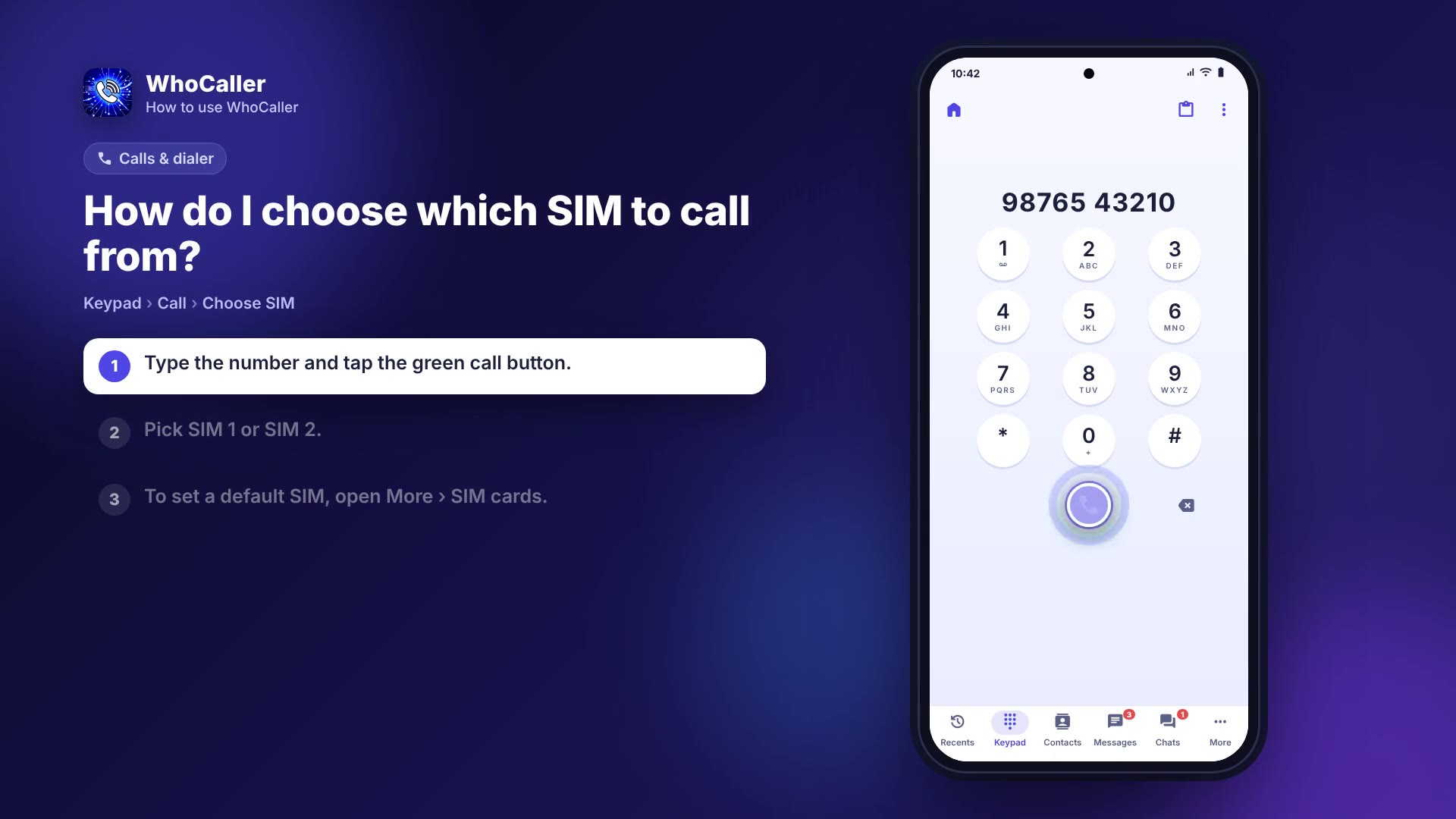 0:24
How do I choose which SIM to call from?
With two SIMs, WhoCaller asks which SIM to use when you call. To change the default, open More › SIM cards.
See the steps →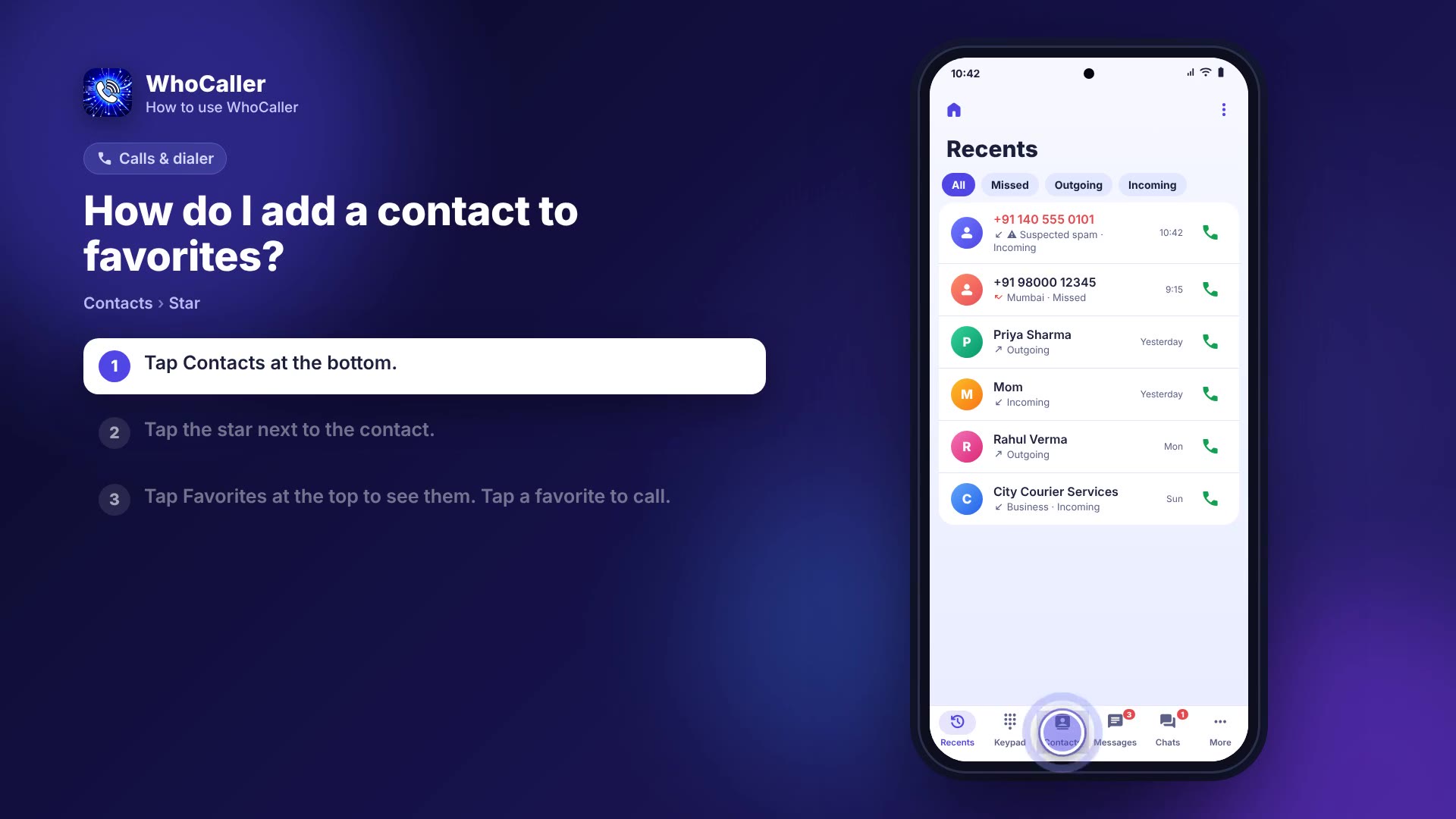 0:24
How do I add a contact to favorites?
In the Contacts tab, tap the star next to a contact. Your favorites are in Contacts › Favorites for one-touch calling.
See the steps →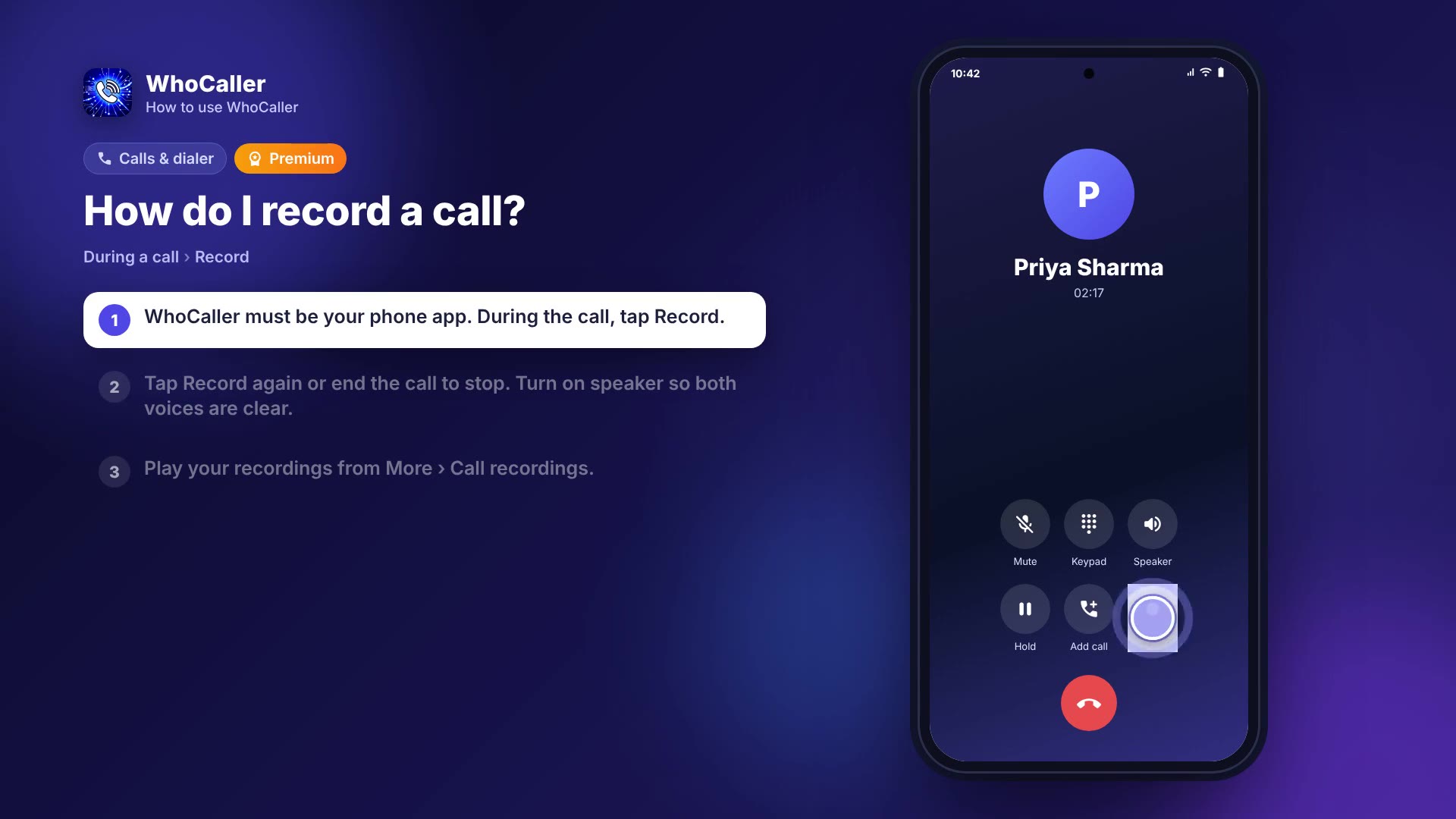 0:26
How do I record a call? Premium
During a call tap Record (Premium). Recordings stay only on your phone; play them from More › Call recordings.
See the steps →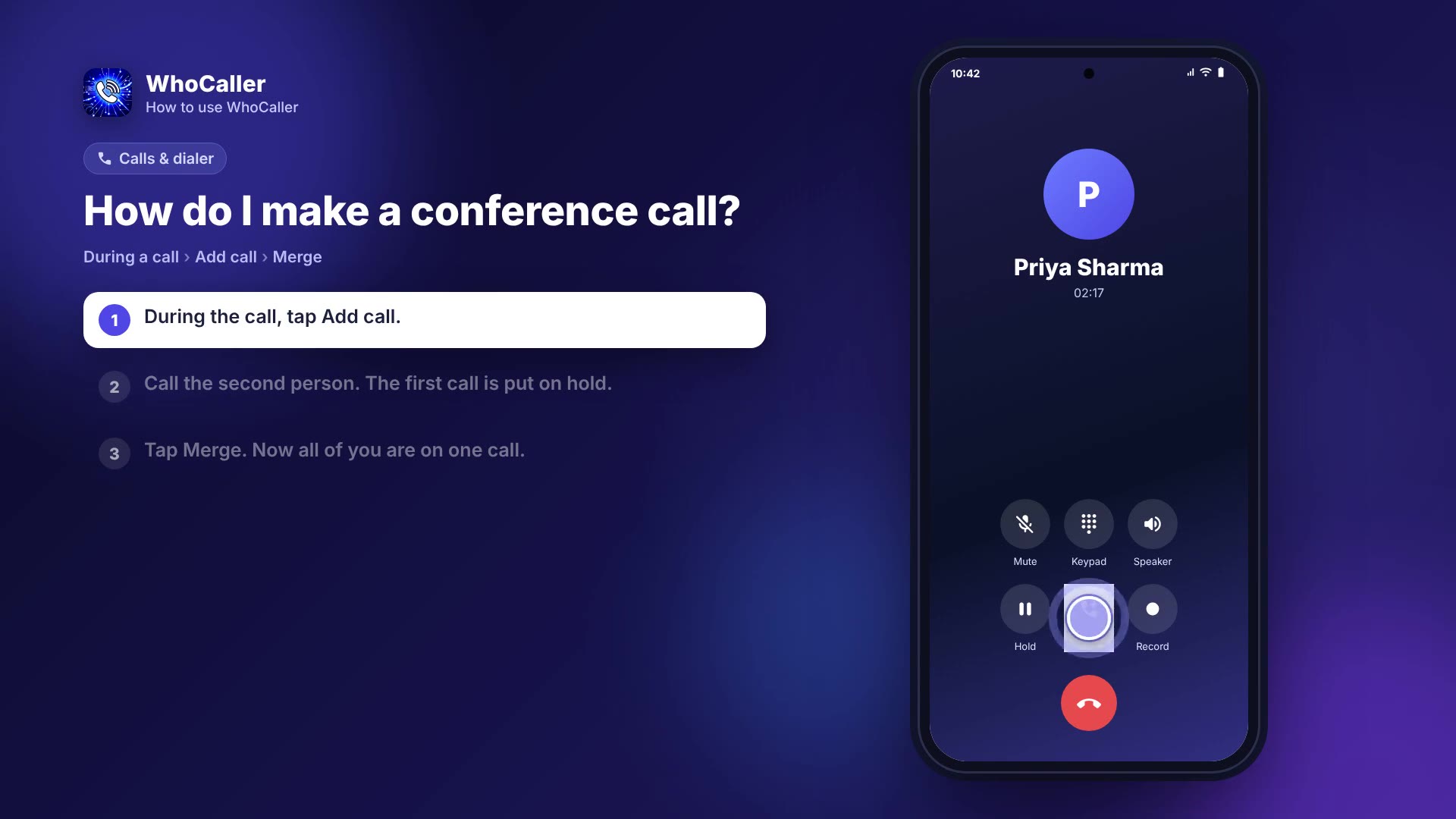 0:24
How do I make a conference call?
During a call tap Add call, call the second person, then tap Merge to talk to both together.
See the steps →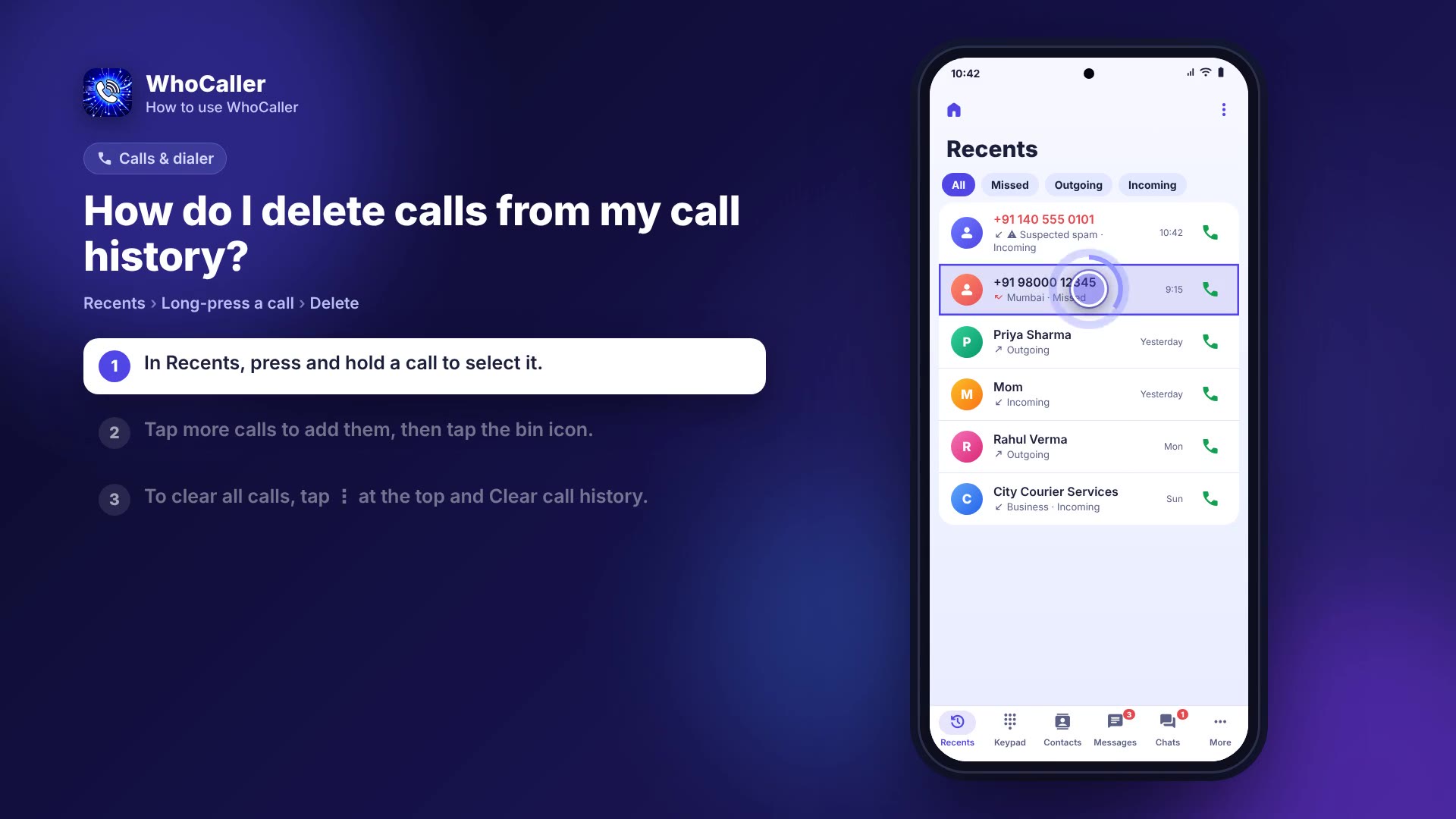 0:25
How do I delete calls from my call history?
In Recents, long-press a call to select it and tap Delete. To clear everything, tap ⋮ › Clear call history.
See the steps →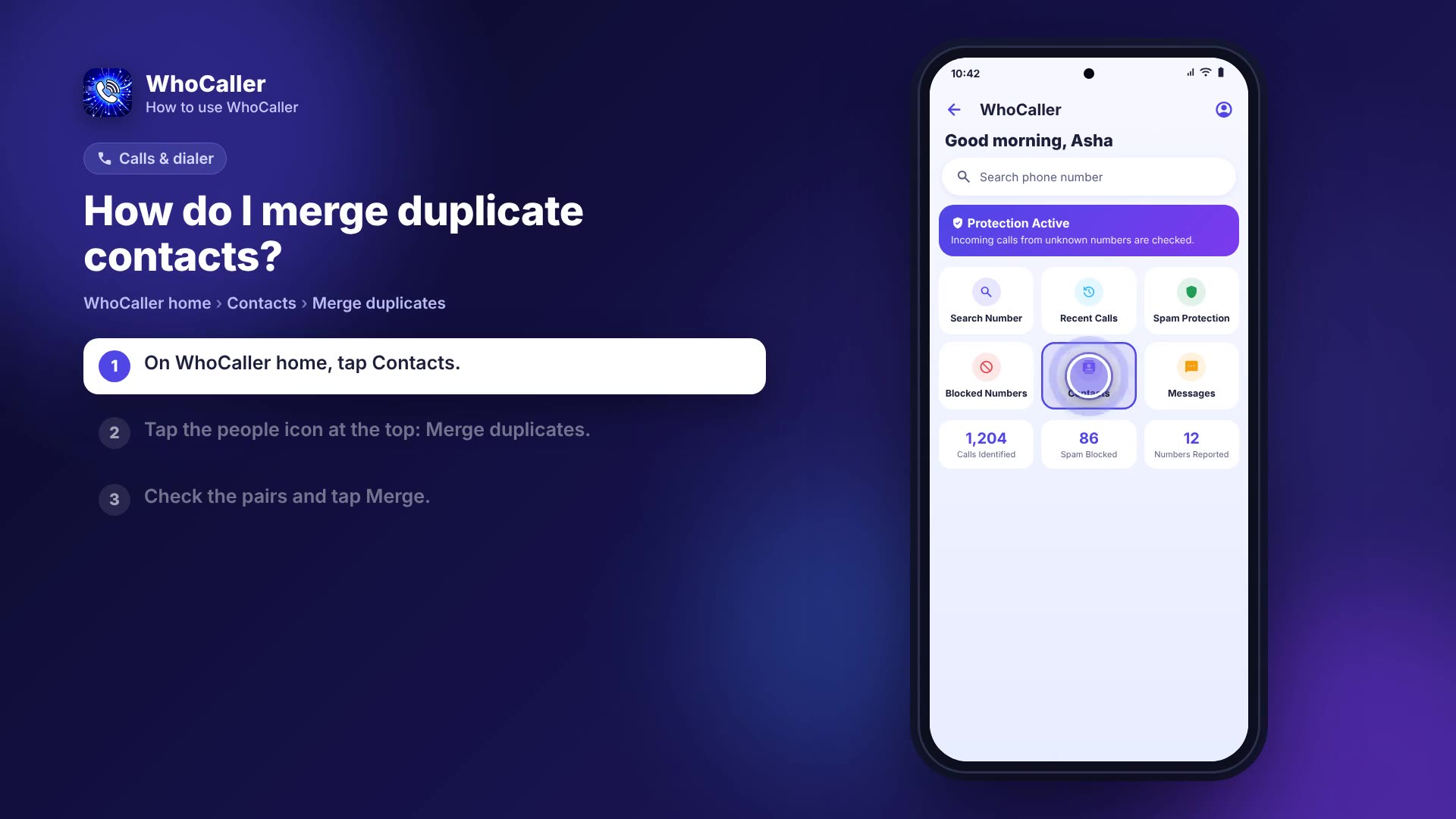 0:24
How do I merge duplicate contacts?
Open WhoCaller home › Contacts and tap the people icon at the top (Merge duplicates). Review each pair and merge.
See the steps →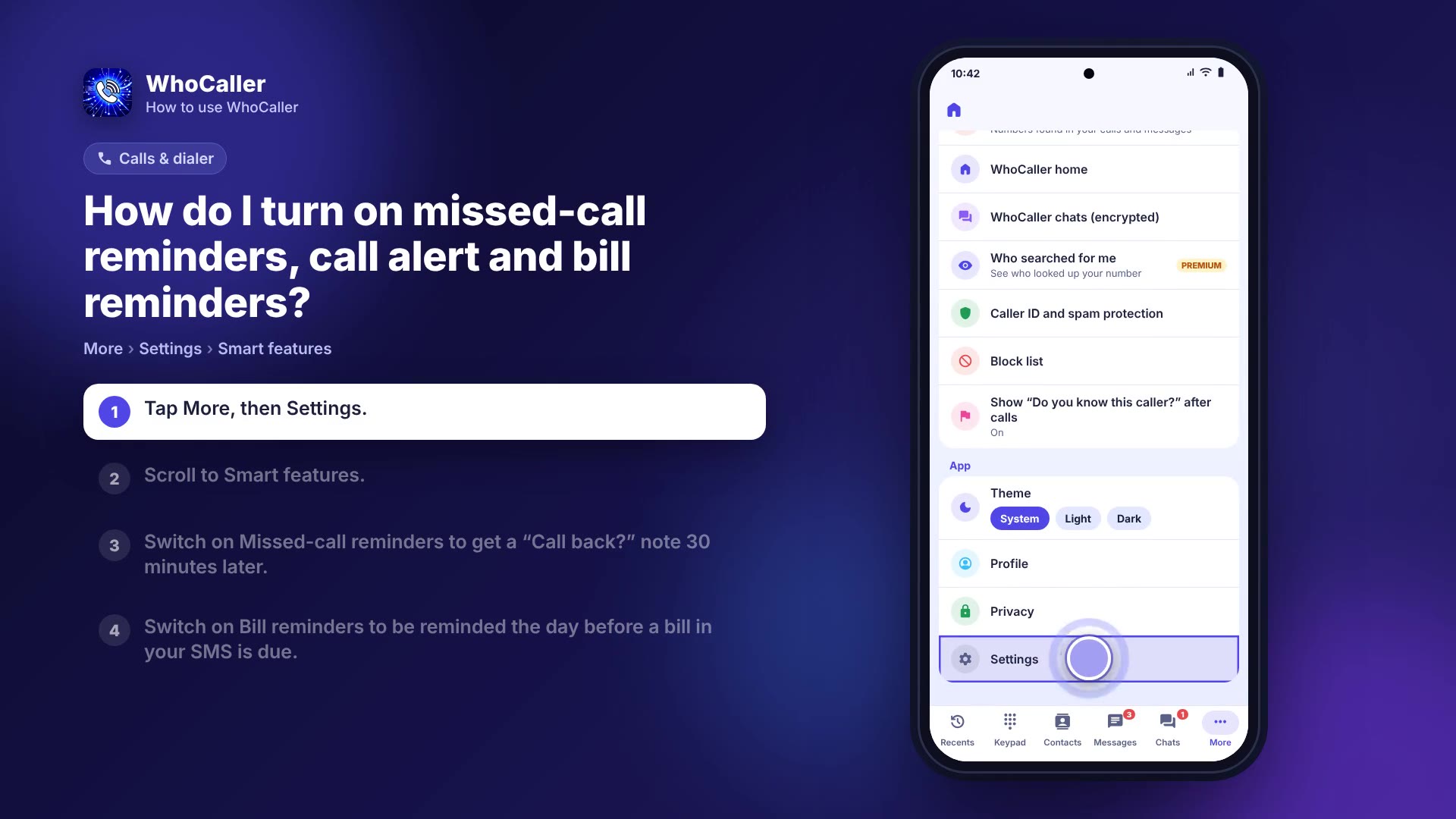 0:30
How do I turn on missed-call reminders, call alert and bill reminders?
Open More › Settings › Smart features and switch on the ones you want: Call alert, Ask for a call reason, Missed-call reminders, Look up copied numbers and Bill reminders.
See the steps →Get WhoCaller free
Free on Google Play. Android 8.0 or newer.